Marketing
Blog Image
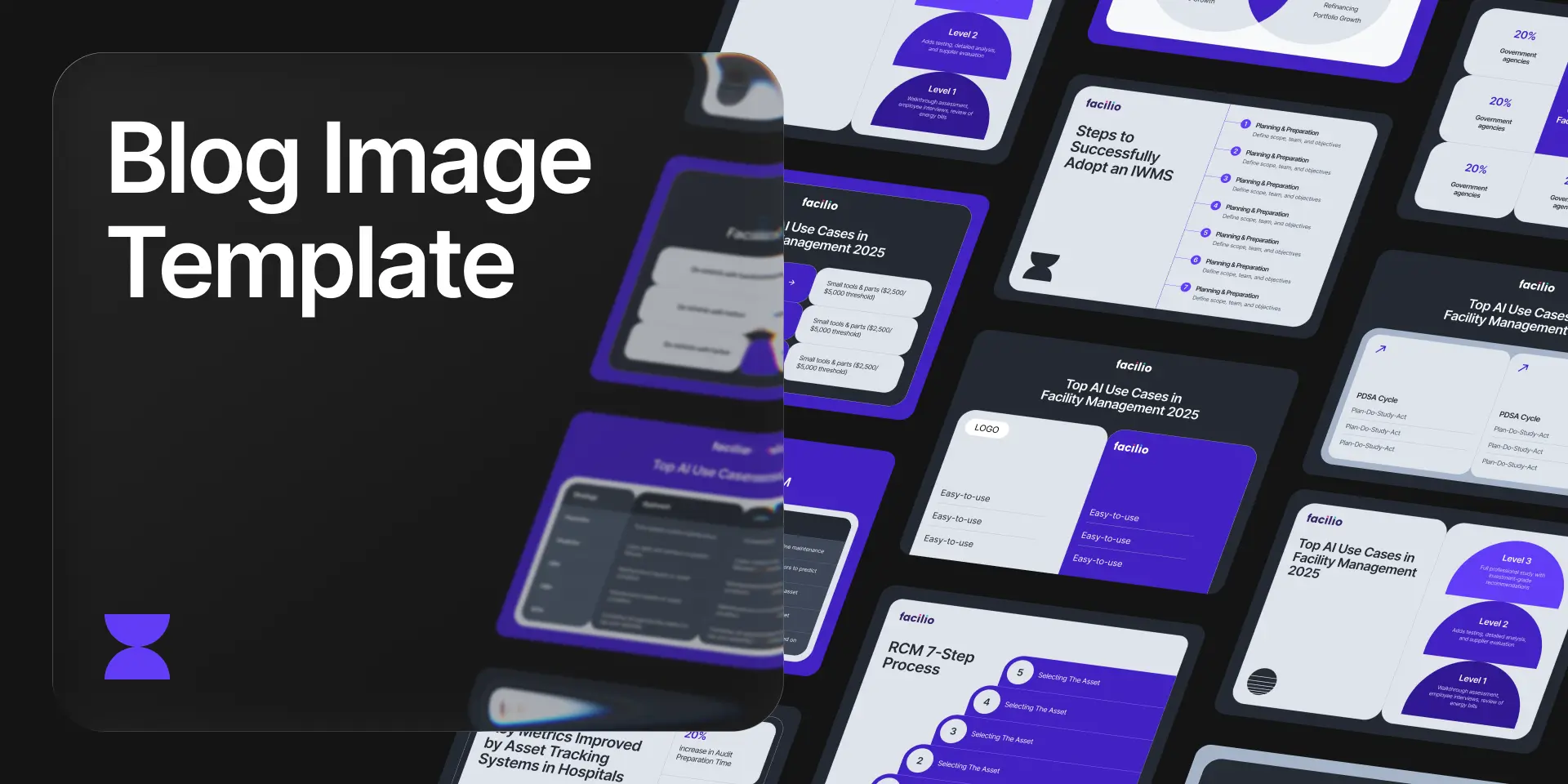
Description
A reusable blog image template system built in Figma Buzz to accelerate content production for Facilio's marketing team. The system covers all recurring blog image categories from tables, cards, timelines, steps, lists, and more, with pre-built variations that designers and marketers can quickly customize and export, without starting from scratch every time.
Team
Rishikesh
Arunachalam - Jr. Visual Designer
Challenge
Each week, designers received 4–12 blog requests, each requiring 2–6 custom images. Every image was being designed from scratch, consuming half a day per blog. Marketers had deadlines and needed images fast, but lacked the design skills to produce them independently. Beyond speed, there was also a format problem — all blog images needed to be exported as Webp, but Figma Buzz had no plugin support for this, leaving a gap that manual workarounds couldn't cleanly solve.
Process
Train the Team
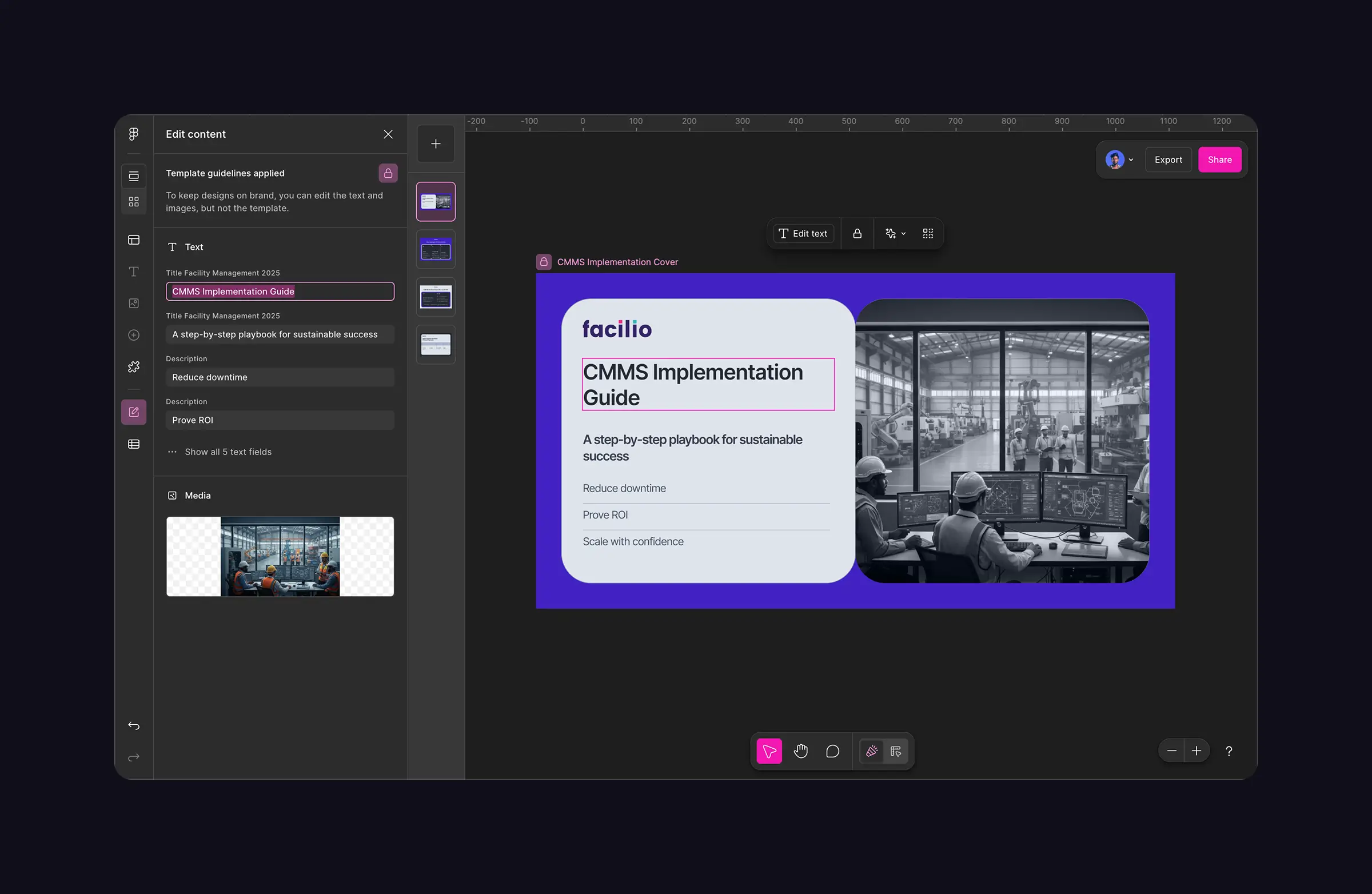
Myself and my junior ran sessions with marketers so they could independently pick a template, edit text and media through Buzz's content panel, and export without needing a designer in the loop.
Design Process
Audit & Categorize
I reviewed all existing blog images across past content and identified the most frequently used design patterns — tables (2–6 rows), card grids, step diagrams, timelines, list layouts, and misc visual formats. These became the template categories.
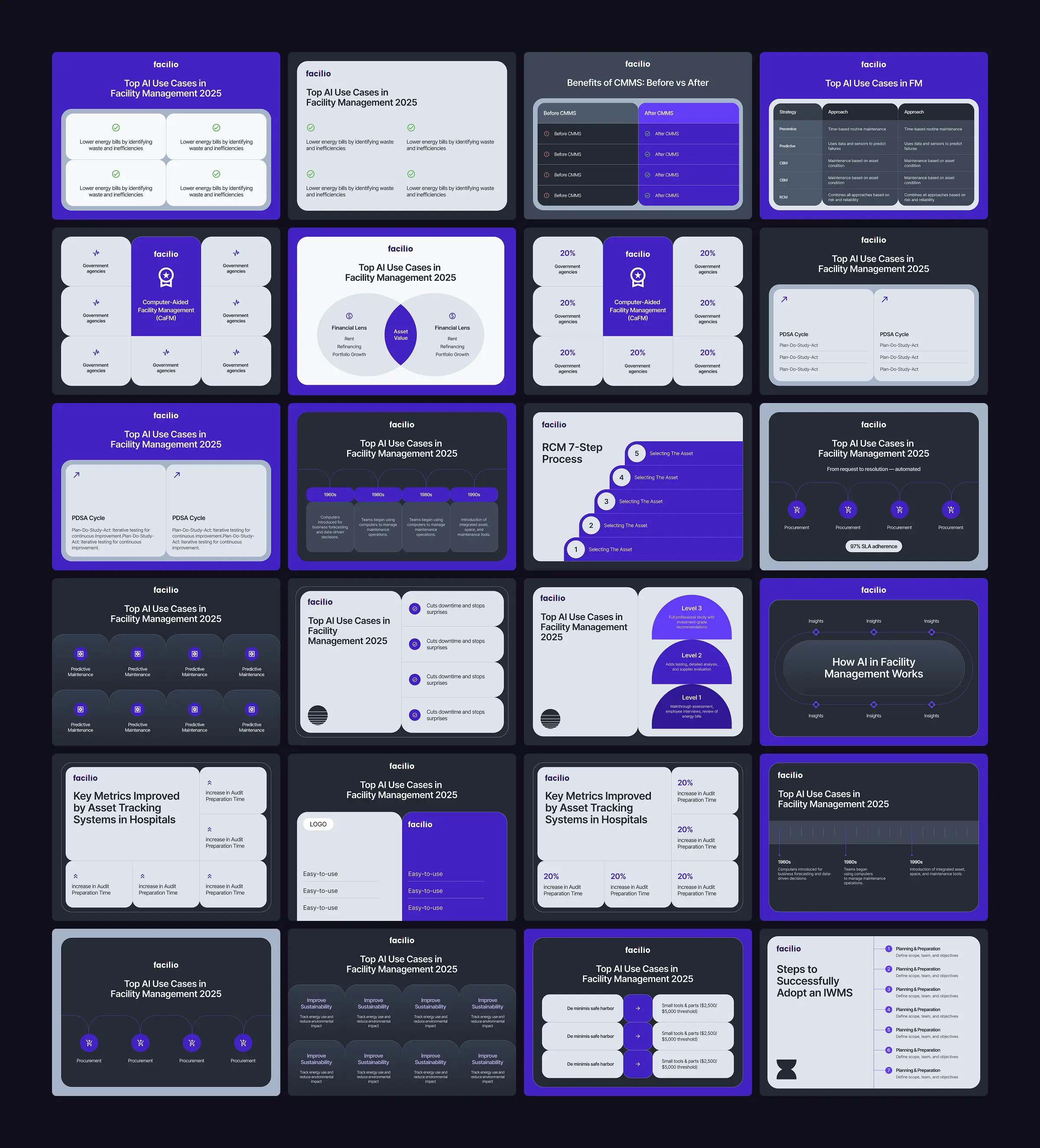
Componentize in Figma
Drawing from the existing design system, myself and my junior designer rebuilt these patterns as proper Figma components with swappable elements — icons, images, text fields. So any variation could be produced by changing content, not rebuilding structure.
Build & Publish in Figma Buzz
We organized all components into a structured Buzz file, categorized them (Cover, Steps, Cards, List, Table, Timeline, Misc), and published it as the Blog Templates Library. Both designers and marketers could now browse, select, edit, and export from a single place.
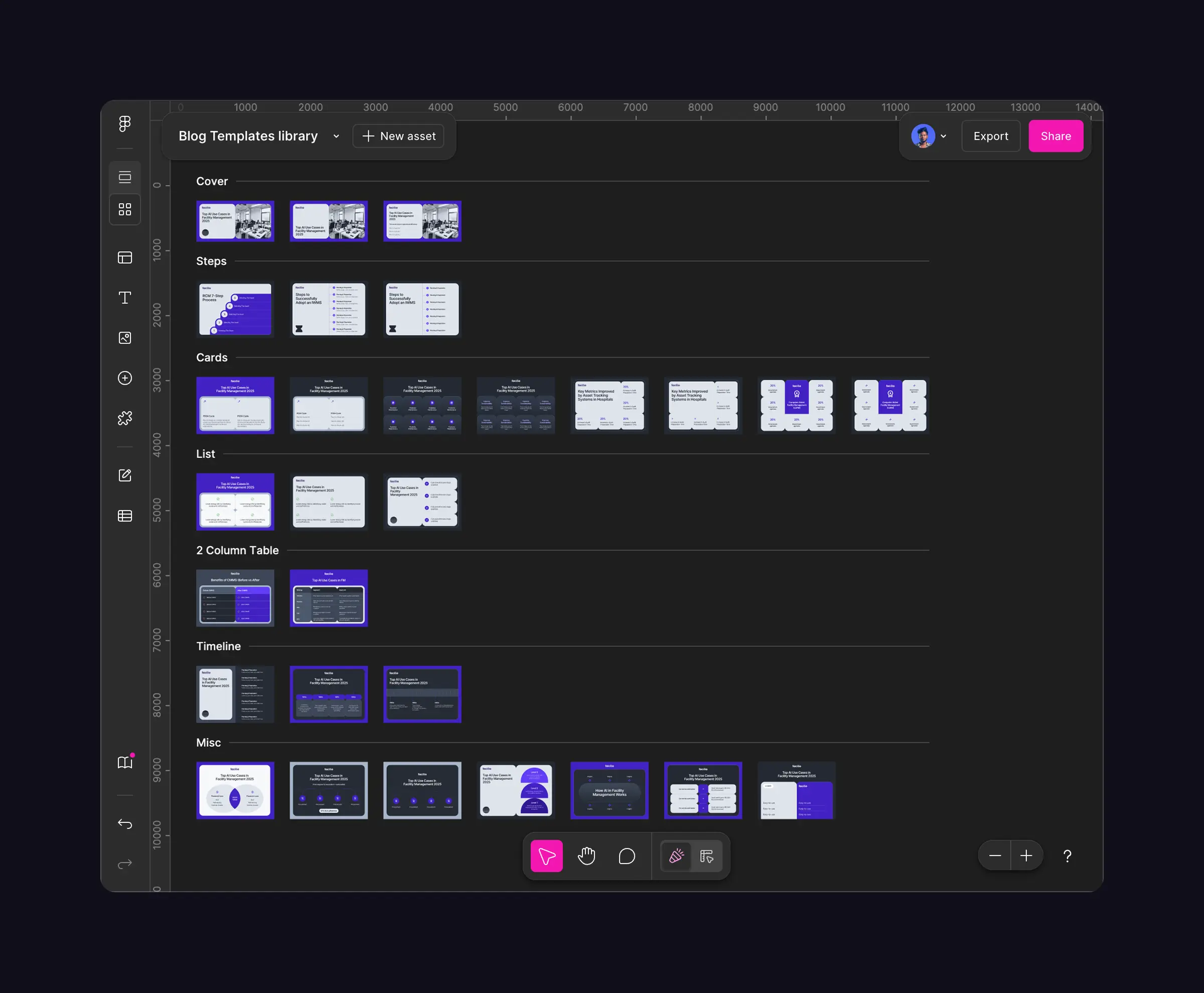
Figma Buzz - Add Template
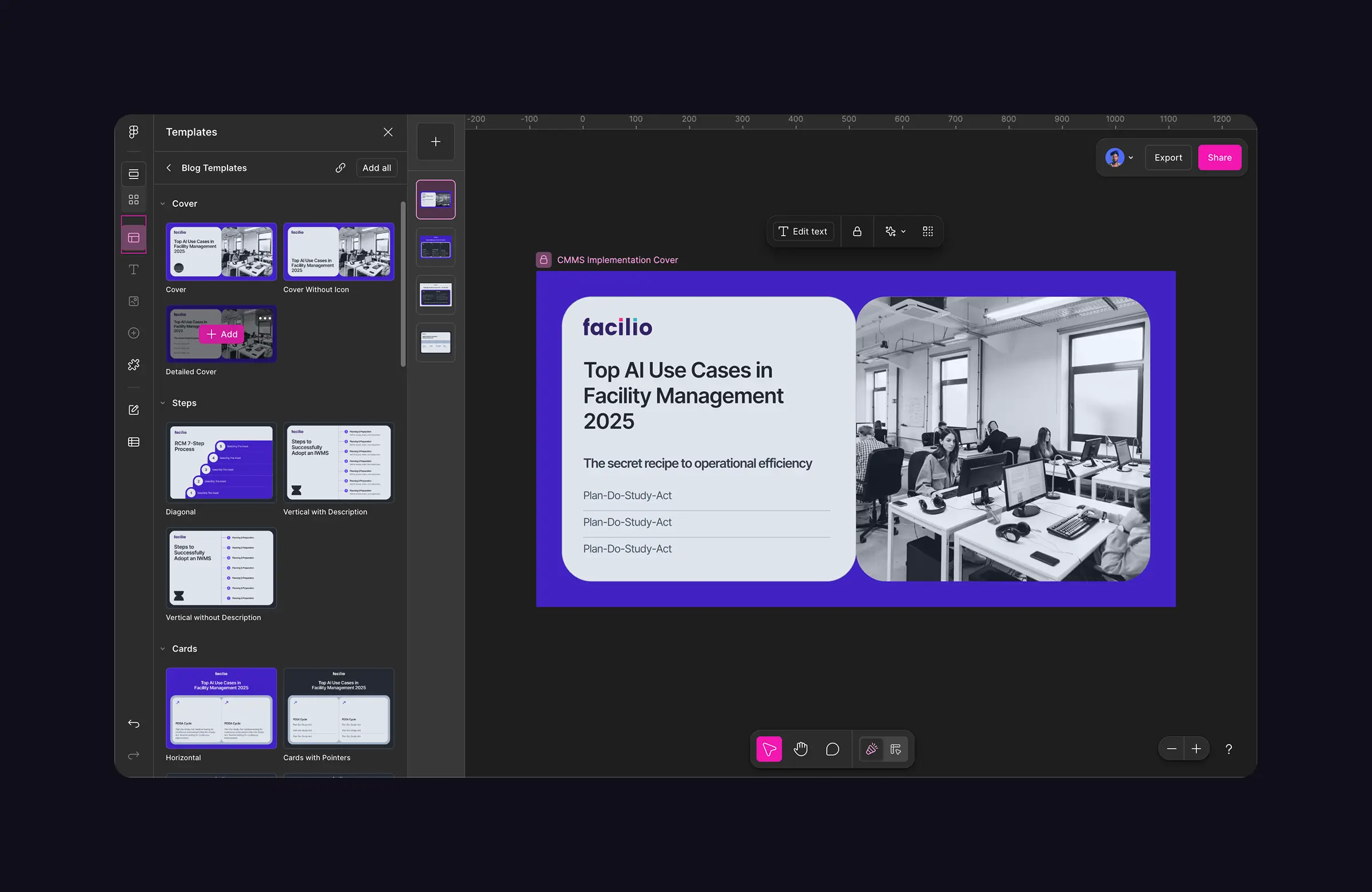
Figma Buzz - Edit Template
Build the Webp Export Plugin (Using Ai)
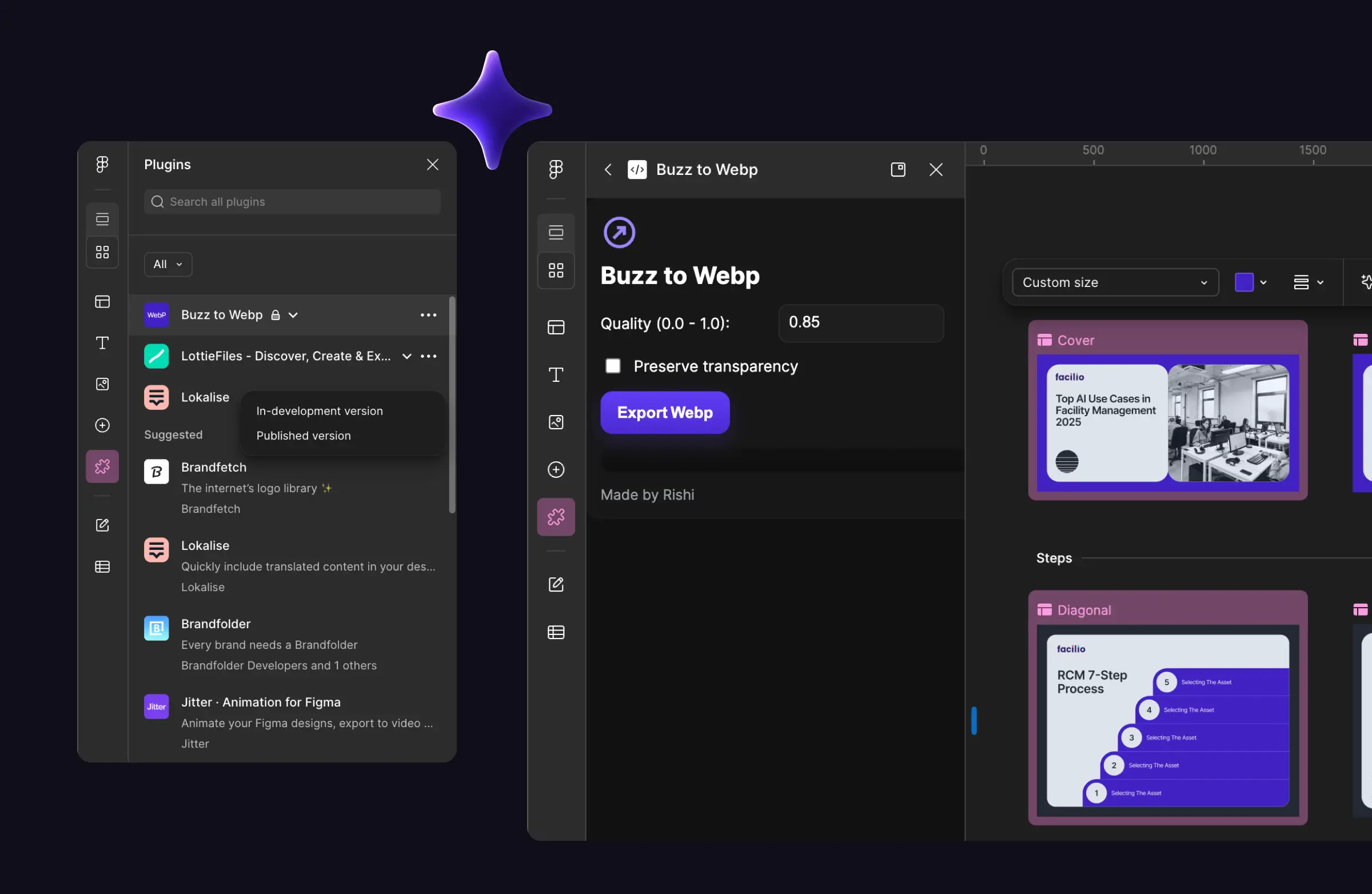
Figma Buzz didn't support plugins the way standard Figma does. Since no existing Webp export plugin worked within Buzz, I used ChatGPT to help me write a custom plugin from scratch. The plugin worked, it allowed to control quality and single/multiple (zipped file) Webp export direct from Buzz, removing the need for any post-export conversion step that marketers wouldn't know how to handle.
Train the Team
Myself and my junior ran sessions with designers as well as marketers so they could independently pick a template, edit text and media through Buzz's content panel, and export without needing a designer in the loop. Through the session, we made sure marketers understood the tool, made them to create designs using the template on the session itself to guide them quickly. We also made sure everytime when marketer had doubts, we designers were there to help them quickly.
Outcome
Blog image production time dropped from half a day to under an hour per blog
Marketers gained the ability to produce blog images independently, without always needing a designer
A fully self-serve template library now covers all standard blog image formats
The custom Webp plugin solved an infrastructure gap that no off-the-shelf tool addressed and became a proof point for using AI as a practical design tool, not just for generating visuals